Radiohead managed to make a few guitars, bass, and drums sound like nothing I’d ever heard before in Paranoid Android. Seeing it recreated in such an unassuming way makes me appreciate the original song even more.
Ball Park Music does a great job with the cover—particularly the vocals, but no one can recreate the sound of Johnny Greenwood on guitar.
I can remember listening to OK Computer when it first came out in 1997 and being annoyed by it on the first listen. It just sounded like a noise to me. After a few more listens it not only stopped sounding like noise, it turned out to be a collection of beautiful melodic pop songs.
Vaccination against COVID-19 is getting becoming more real and less of a vague hope as eligible family members and acquaintances are starting to get vaccinated.
This reminds me of a post I made in 2017: Selling the Flu Shot. My point at the time still holds up: If you want people to get a vaccine, don’t use photos of needles sticking in arms to promote it. No one likes seeing a needle sticking into an arm!
To their credit, the provincial government website doesn’t have any such photos on their pages about COVID-19 vaccination, but the CBC keeps using needle-in-arm photos in their coverage of the vaccine roll-out. Granted, it’s not the job of the CBC to sell the vaccine, but also, it’s up to all of us.
The many variations of Mario Kart games have been among the most fun I’ve ever had playing video games.
One of the many mechanics that helps make the Mario Kart games great is how the game is designed to narrow the gap between stronger and weaker players. If you’re in first place, you get weaker power-ups. If you’re in last place, you get the best power-ups, including some that will help you catch up to the pack, and some that specifically target the leader.
The strongest example of this in Mario Kart is how racers in last place are often rewarded with the Blue Shell. This Blue Shell is a special power that when launched, skips over everyone until it knocks out the racer currently in the lead. Should that lucky last-placer end up in the lead, they’ll face the same danger.
Levelling the playing field doesn’t just improve the game for weaker players, it makes the game better for everyone. Since the object is to have fun and not just to win, even the best players benefit from the ways the game becomes more challenging for them.
Allow me a sharp change in direction.
Many of our problems stem from the gaps between the strong and weak, rich and poor, privileged and underprivileged. Closing these gap tends to improve things for everyone, including those who were starting at the top.
This isn’t a new concept in governance. This Mario Kart mechanic is used in social programs with tools like progressive taxation.
In Kim Stanley Robinson’s surprisingly hopeful novel about catastrophic climate change, The Ministry for the Future, Robinson imagines a future in which wealth and income is capped at a multiple of the average. If you want to get paid more than ten times the average, you’ll have to drag everyone else up with you.
I would also like to see this gap-closing mechanic applied to social media. Imagine an algorithm that penalizes popularity and rewards obscurity with attention. You wouldn’t silence the popular. Rather, you would make the climb a bit harder for those with established audiences.
Such a system could make networks more welcoming, boosting new voices, while raising the level of difficulty for those with entrenched experience.
Let’s try tuning our systems to work against the seemingly innate gravity of wealth and fame. Perhaps this would help engineer an ecosystem of many moderate voices, rather that constellation of a few hyper-celebrities.
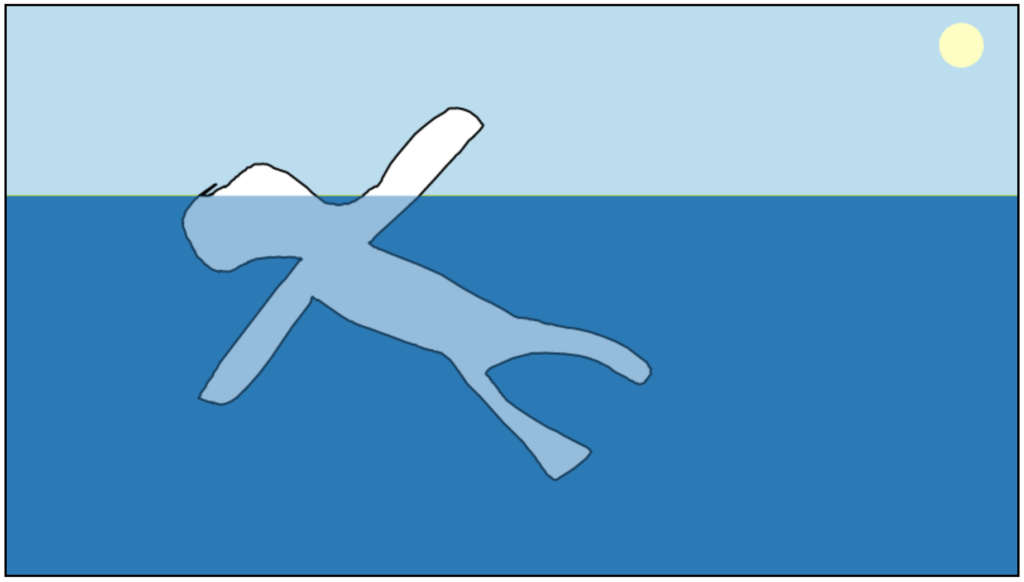
All of the complexity is delightfully hidden under the surface. There’s no visual user-interface—you just draw. There’s no reset button, you just draw again. Lovely.
I hadn’t heard of Matthew Grimson, but hearing these three songwriters spend an hour talking about what Grimson’s music was to them struck me. It’s so easy to hear so much music now, that having a reason to listen more closely is a treasure.
A conversation like this managed to make me care about 25-year-old low-fi recordings from a mostly unknown songwriter. I’d love to hear more sincere and in-depth conversations like this around other recordings.
I was explaining to one of my kids what the Canadian Heritage Minutes were and it occurred to me: there could now be a Canadian Heritage Minute about how Canadian Heritage Minutes are part of our Canadian Heritage.
I enjoyed hearing my home province of Prince Edward Island make the list of other places one might like to live (even if only for two months of the year year) in episode 417 of the Accidental Tech Podcast (at around the 13m 30s point). Any other year, John Siracusa, we’d be glad to have you.
We’ve been fortunate on Prince Edward Island to have had limited exposure to COVID-19 and to have effective leadership from our health authorities.
Today, someone in the family needed a COVID-19 test (unlikely to be a real case, but had cold symptoms). We had a drive-in test just after 8am (maybe a 10 minute wait/process). When I checked today at 4pm, we already had our NEGATIVE result.
The results may have been ready sooner—I just didn’t think to check so soon.
Using consumer products to mark milestones in your life has the feel of creepy consumerism, but our lives are often framed by the things we buy. Like it or not, our cars, homes, phones, and computers all mediate many of our more meaningful life experiences.
As a selfish retrospective, I am documenting my life in cars. I’m not really a “car person”, as will be made clear by my choices. Even so, listing all the cars I’ve owned does bring back memories of where I was in life at the time. I hold no illusion that this will be interesting or relevant to anyone else. Such is the privilege of publishing my own website.
The executive summary is:
I’ve owned eightnine vehicles.
Half were manual-transmission, half automatic.
They’ve all been neutral grey, brown, silver, or black, with one wild yellow exception.
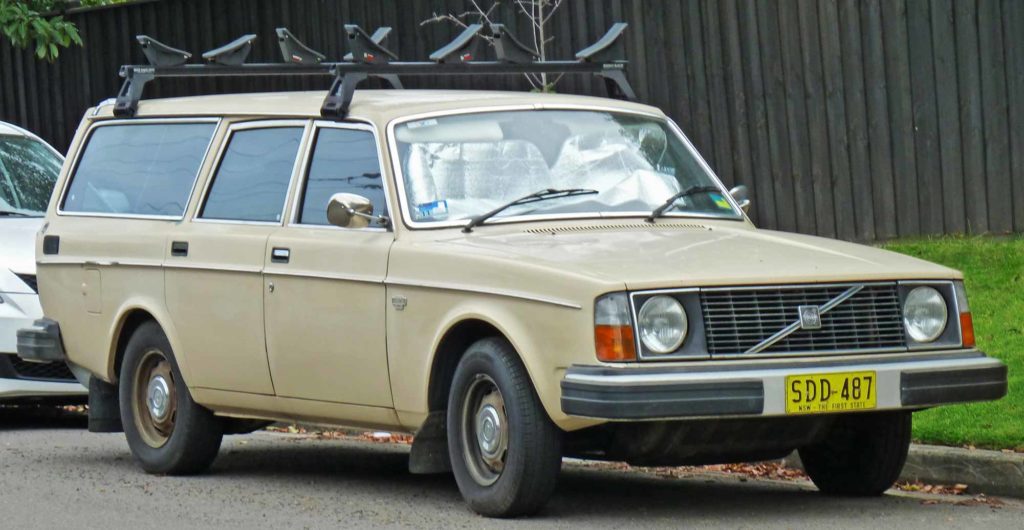
This car was born the same year as me. The car and I were both around 22 years old by the time it ended up in my hands. Technically, I didn’t own it. It was lent to me for about a year by friends. It felt like it was milled from a single block of steel (or maybe granite). The loan of this car came with one generous but short lesson in how to drive a manual transmission, at the end of which I was handed the keys. It was yellow, and had a cassette player that usually held a copy of Bargainville by Moxy Fruvous.
Driving this car felt a bit like I imagine it feels to captain a super-tanker—you don’t really steer it. Instead, you give directions that are eventually conveyed to wheels, and the body of the car would follow shortly after. It was very yellow.
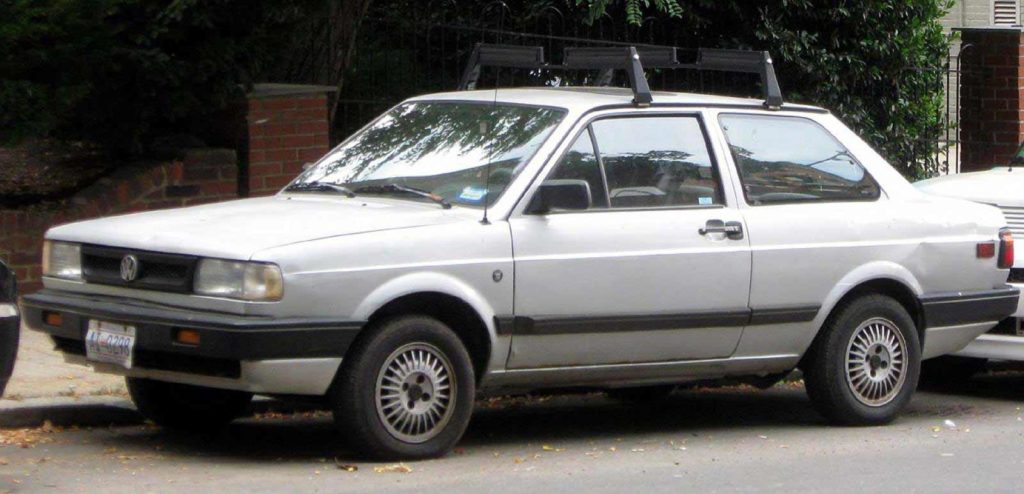
1991(ish) Volkswagen Fox
I couldn’t find a photo of the actual car. This photo from neo-drive.com is close. Mine was also on fire.
This was the first car I really owned myself. I bought it for a few thousand dollars (about a year of income for me at the time). It was built like a (tiny) tank, and was a blast to drive because it was so small.
The day after I bought the car, a friend asked if they could borrow it for a quick errand. I was too nervous and protective of my new possession to let anyone else drive it and declined.
A week or two later, after owning it for only a couple of weeks, the battery came loose and sparked against the underside of the hood. I pulled over, the engine caught fire, and the car burned beyond repair. I wouldn’t have though so much in a car was actually flammable.
From then on, if someone asked to borrow my car, I’ve always said yes.
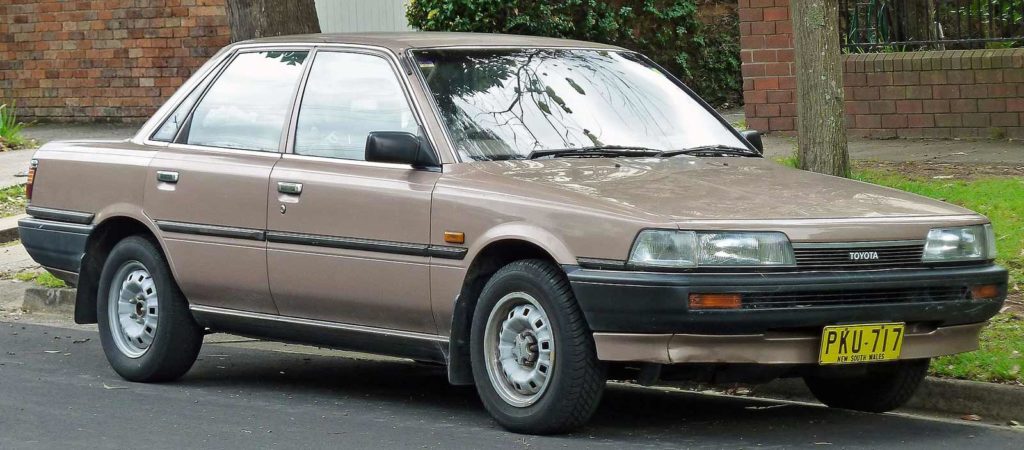
1989 Toyota Camry
I couldn’t find a photo my my actual car. This photo from Wikipedia is close. Mine was a darker chocolate brown and didn’t have New South Wales plates.
This dark-brown boxy Toyota sedan was probably one of the worst cars I’ve owned. Not because it was poorly made or designed, but because by the time it came to me, it was rusted to near death.
One morning I backed out of my apartment parking space and gently applied the brake. The brake pedal went directly to the floor with absolutely no resistance. There was no braking power at all.
It was a manual transmission with an easily accessible hand-brake, so it was easy to slow to a stop. I then made the poor choice to drive a car with no brakes to the service station, which was only a few blocks away. I kept it below 10Km/h, rode the hand-brake, and kept it in a low gear.
I can still remember the mechanic showing me the metal pipe that held brake fluid. He rubbed it between his fingers and thumb and it literally crumbled to dust.
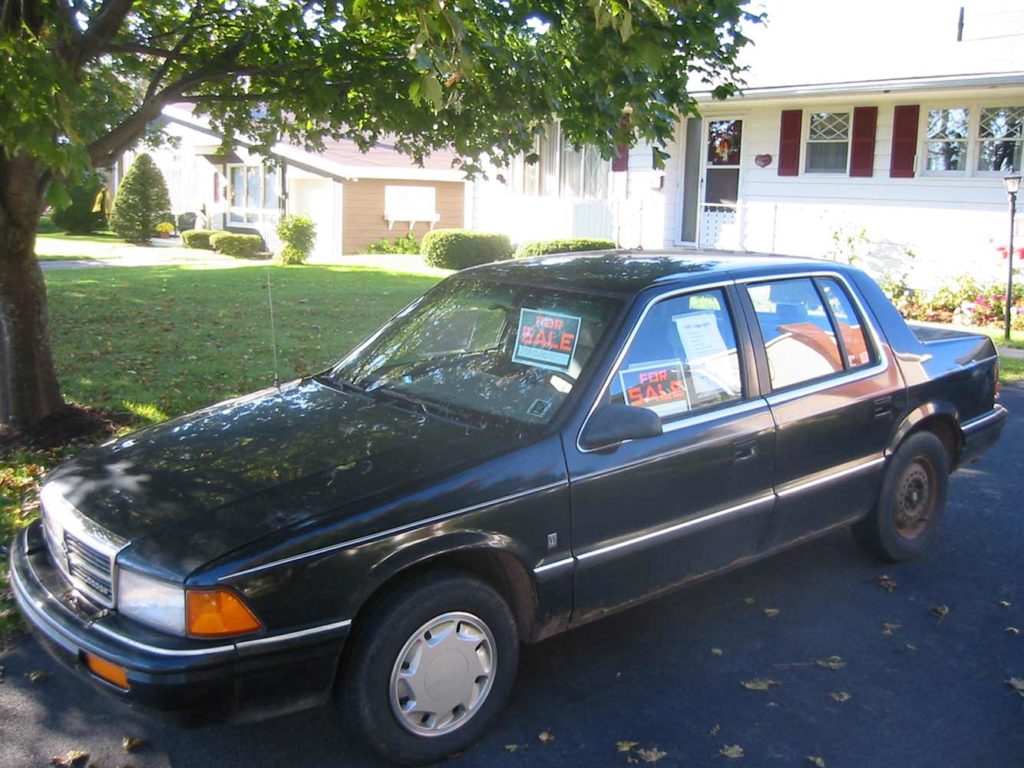
1991 Dodge Spirit (2002?)
It’s not for sale anymore. Also, that was my Nanny’s house.
I bought this car with something like CAD $2,500 in cash. I remember it’s oddly powerful V6 engine most of all. Drove it with 3 of 4 hub-caps for most of its life. This was the last vehicle I owned before cars started rounding their corners.
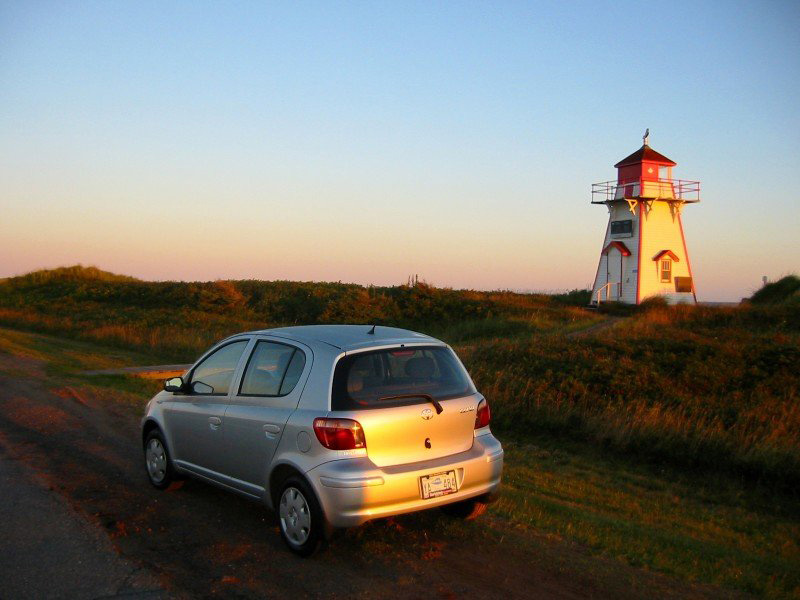
2004 Toyota Echo hatchback
Matching Covehead lighthouse not included.
This was the first car that cost more than a few thousand dollars and to this day the only brand new car I’ve ever “owned” (it was leased). The lease was a financially questionable choice for me, but I was fortunate to find someone to buy it out eventually.
This care was a great design. Tiny on the outside, and huge on the inside. Of all the cars I’ve owned, including a full-size sedan and a minivan, this one felt the most spacious when sitting in the drivers’ seat.
It was fuel efficient, had comfortable space for 4 adults, and some storage space behind the rear seat. This car was also born during the transition from CDs to digital audio. It had a stereo with a CD player that could play audio CDs and burned CDs containing MP3s, so I could easily fit 100+songs on a CD.
This car drove me Boston and all around Prince Edward Island.
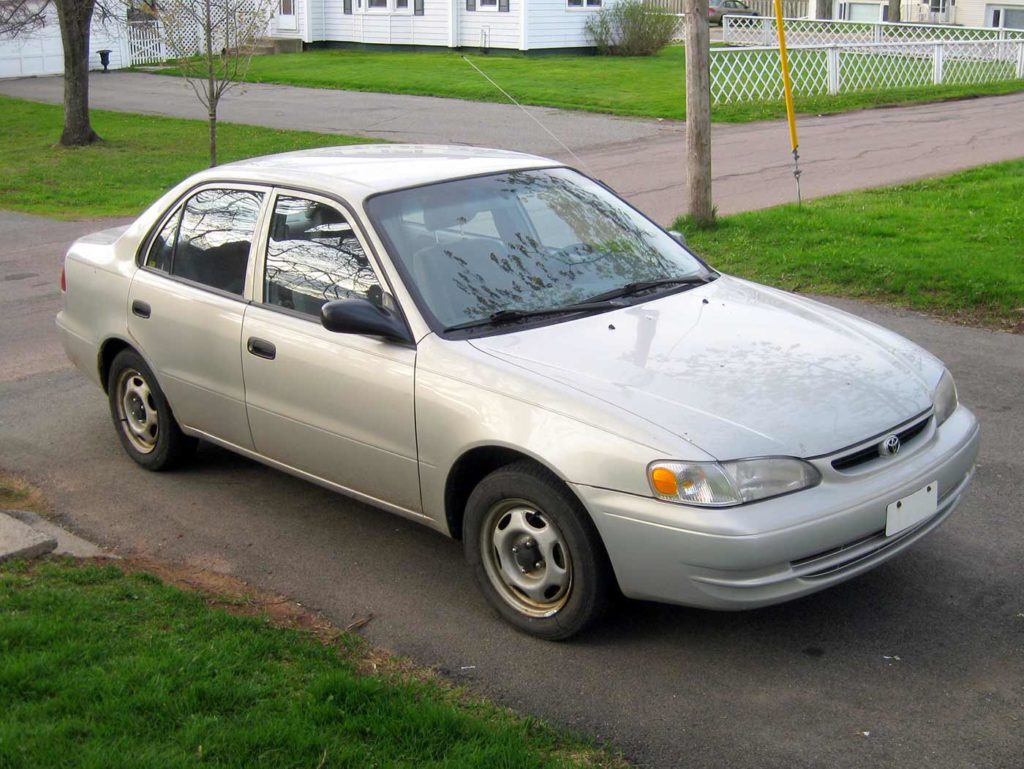
2000 Toyota Corolla VE Sedan (2005-2010)
2000 Toyota Corolla VE
I married into this car. It was dependable and solid. I remember when my wife-to-be asked the used-car salesmen what the “VE” indicated, his answer was delightfully honest: “It means it’s the base model.”
I once had a bottle of Drano leak in the back seat that transfigured some of the seat fabric into a hard plastic mass. This car was fine with one child car seat, but two car seats was pushing it.
After this car, we decided it would be the last without air conditioning.
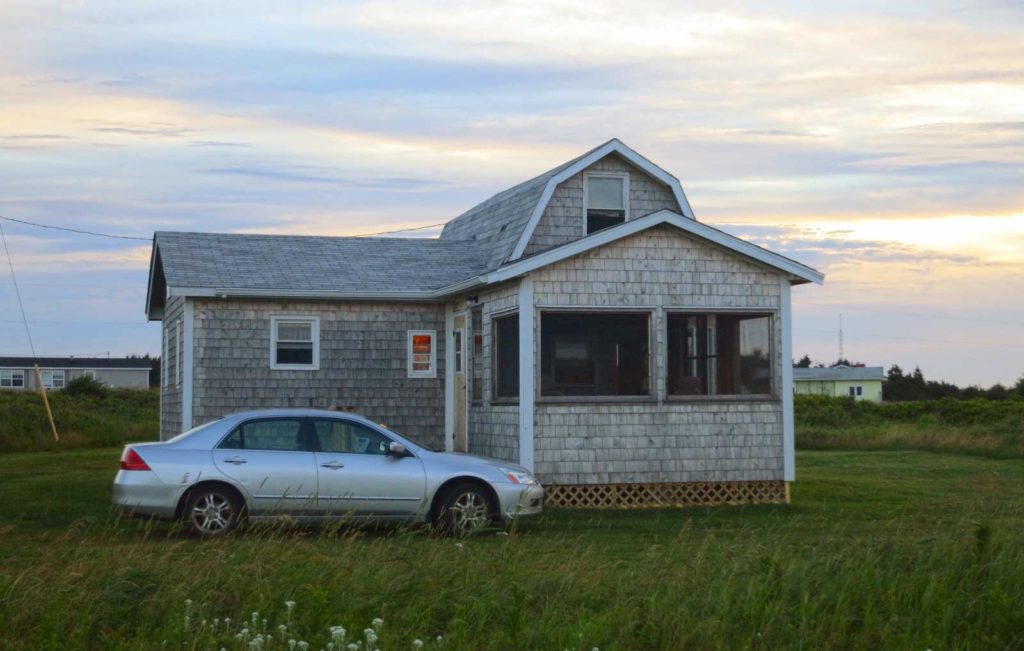
2007 Honda Accord SE Sedan (2010-2015)
2007 Honda Accord – cottage for scale
The Honda Accord was bought because it had a wide enough back seat to comfortably fit two car seats (and the occasional squished-in niece). It served us well until it was time for a third car seat. This car was solid, comfortable, and reliable with four doors and big trunk.
Buying a ~3-year-old Honda worked so well, we did it again…
2013 Honda Odyssey (2015-)
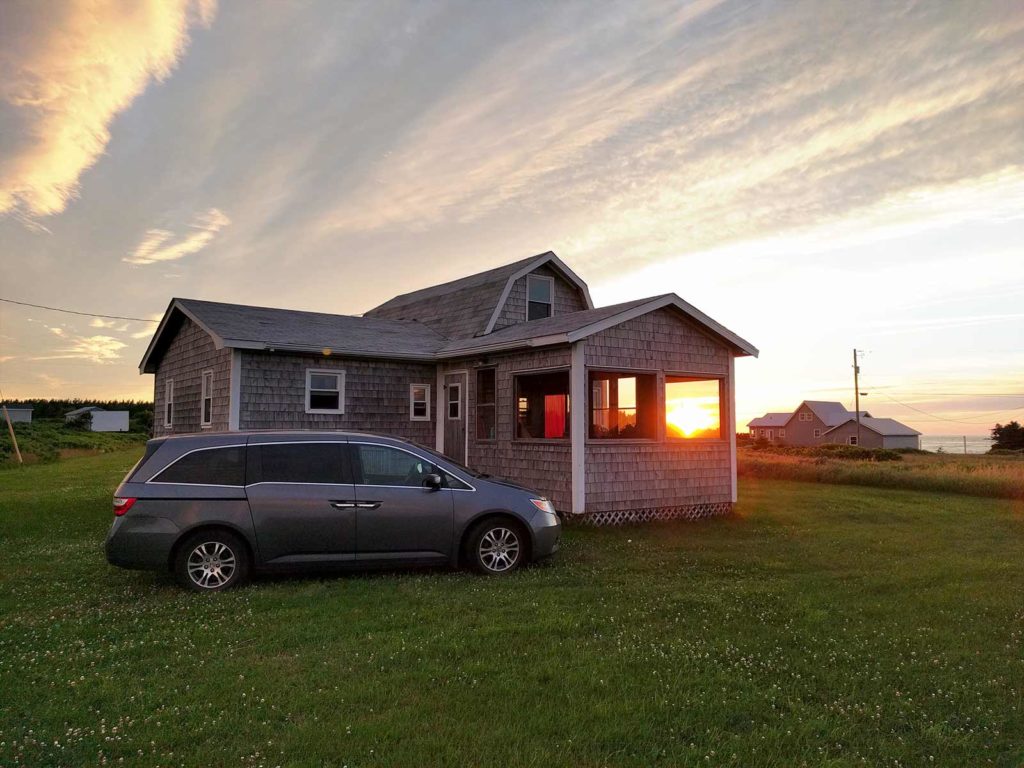
2013 Honda Odyssey EX – sunset/cottage for scale
Finally, with the coming third child, I had the justification I had always needed to own the ultimate driving machine: the minivan. I’ve always been pro-minivan. They are so versatile and practical. This van has plenty of room for our kids and their cousins and friends.
This was a fancier van than we needed or wanted, but when shopping for a used vehicle in a small province, options can be limited. It has air-conditioning, fancy powered sliding doors (that I initially hated, and have grown to appreciate), heated seats, and a weird stereo that can rip up to six CDs and store the music in some mysterious digital form in the van. It even has an internal copy of the Gracenote database of CDs, artists, and tracks.
This van has shuttled a full load too and from the extended-family cottage, and dragged a few Christmas trees home from the lot each winter.
I had hoped that this might be the last internal-combustion-engine vehicle I own, but I’m still waiting on a fully electric minivan – particularly one that doesn’t cost as much as a small house.
Hyundai Kona EV (2024 – )
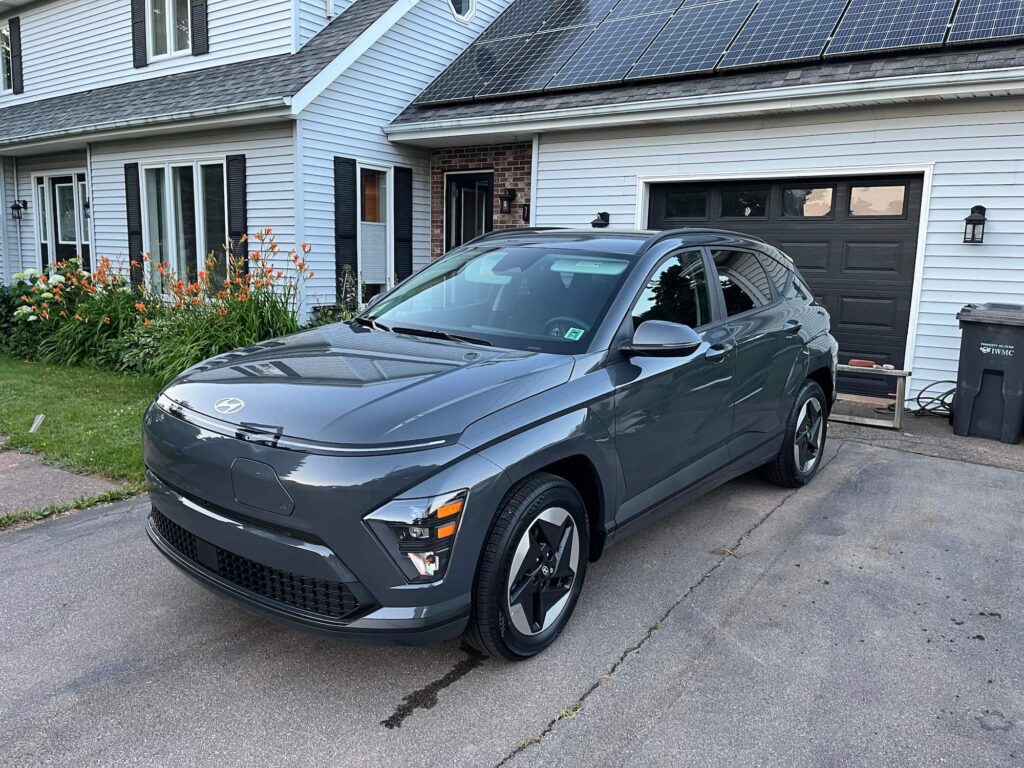
2024 Hyundai Kona EV in “ecotronic” grey, or as I call it, “grey.”
We gave up on the dream of an electric minivan, and finally succumbed to having two vehicles when we got a (grey!) 2024 Hyundai Kona EV this year. It was unusual for us to buy a brand new vehicle, but supply constraints (making used vehicles limited and expensive) and EV incentives paired up to make it our best choice. I’ve written a bit more about how we ended up with an EV.